
How Skills Can Supercharge Your Playwright & Selenium Framework Maintenance
Keeping a test automation framework healthy is one of the most underrated challenges in QA engineering. This article explores how Claude’s Skills feature acts as your always-available framework expert — helping you generate, heal, and maintain tests at scale.
The Problem: Framework Maintenance is Expensive
Anyone who has maintained a Playwright or Selenium framework at scale knows the pain. A single UI redesign can break dozens of locators overnight. Keeping page objects, test utilities, and naming conventions consistent across a growing team requires constant vigilance. And onboarding a new engineer? That usually means hours of pairing and tribal knowledge transfer.
Skills change this equation.
What Are Skills?
A Skill is a structured SKILL.md file that encodes your team’s conventions, folder structure, locator strategy, naming rules, and run commands for a specific framework. Skills live in a discoverable location (/mnt/skills/) and Claude reads them before taking any action — much like a senior engineer consulting a runbook before touching production code.
Think of a Skill as a living, version-controlled rulebook for your test framework. It answers:
- Which folder structure do we follow?
- POM, BDD, or hybrid pattern?
- Which locators are preferred — and which are forbidden?
- How does authentication work in tests?
- What is the exact command to run tests?
The Skill-Driven Workflow
The core loop that Skills enable:
User request
     ↓
Claude reads SKILL.md           ← conventions locked in before any code is written
     ↓
Claude browses the application  ← live exploration via Selenium/Playwright MCP
     ↓
Claude generates tests          ← following your exact conventions automatically
     ↓
Claude runs & heals failures    ← broken locators fixed against the live DOM
     ↓
Test files written to your repo ← tracked in .test-manifest.json
Stage 1: Reading the Skill Before Writing Code
The golden rule: never write a line of test code before reading the SKILL.md. This is what separates a skill-aware assistant from a generic code generator.
Here’s what a SKILL.md for a Playwright TypeScript project might look like:
# Playwright TypeScript Skill

## Framework
- Framework: playwright-js
- Language: TypeScript
- Pattern: Page Object Model (POM)

## Folder Structure
tests/
  specs/     ← test files (*.spec.ts)
  pages/     ← page objects
  fixtures/  ← auth setup
  utils/     ← shared helpers

## Locator Strategy
- Prefer:   data-testid attributes
- Fallback: ARIA roles (getByRole, getByLabel)
- NEVER:    CSS classes, volatile XPath

## Naming Conventions
- Test files:   feature-name.spec.ts
- Page objects: FeaturePage.ts
- Test IDs:     tc01-short-description

## Run Command
npx playwright test --project=chromium
When Claude sees this Skill, it immediately knows to generate TypeScript files with data-testid locators, place them in the right directories, and use POM — without being told in every single prompt.
Stage 2: Understanding the Application Through Live Exploration
Before generating tests, Claude uses the Selenium/Playwright MCP to explore the live application. This is not guesswork — it is live observation of the real DOM.
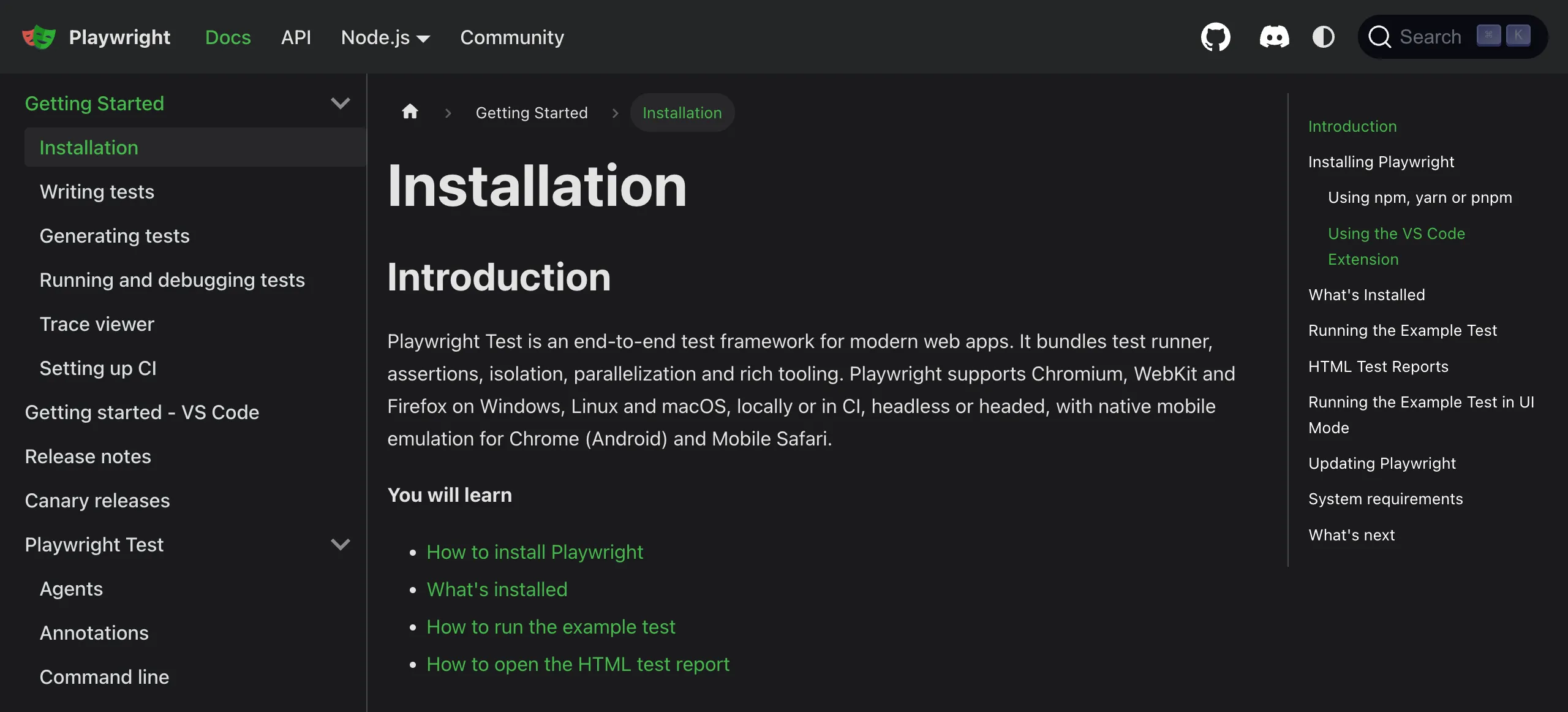
Playwright’s own documentation is a great model of a well-structured web application — consistent navigation, stable selectors, and clear component hierarchy. The same properties that make it easy to read make it easy to automate.
During exploration, Claude:
- Navigates to each page and captures a structural snapshot
- Identifies interactive elements — buttons, inputs, modals, links
- Records real element references that map to actual DOM nodes
- Notes navigation flows — what actions trigger what state changes
Stage 3: Playwright — Test Generation With Conventions Applied
With the Skill and exploration data in hand, Claude generates test code that already follows your conventions.
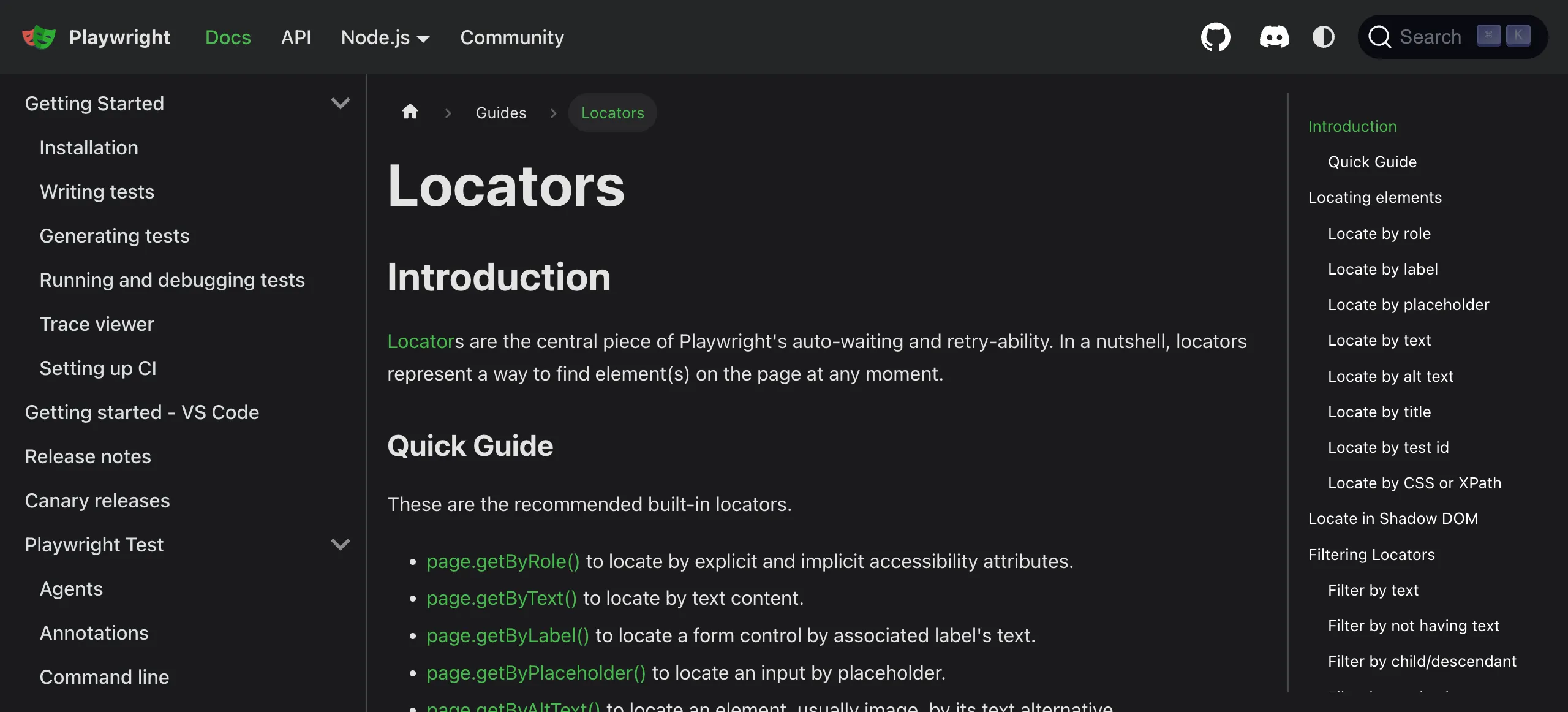
Playwright’s locator documentation recommends getByRole, getByLabel, and getByTestId as the most resilient strategies — exactly the hierarchy a well-written Skill enforces automatically.
The generated test spec for a login flow:
// tests/specs/tc01-user-login.spec.ts
import { test, expect } from '@playwright/test';
import { LoginPage } from '../pages/LoginPage';

test.describe('User Authentication', () => {
  let loginPage: LoginPage;

  test.beforeEach(async ({ page }) => {
    loginPage = new LoginPage(page);
    await loginPage.navigate();
  });

  test('tc01 - successful login with valid credentials', async ({ page }) => {
    await loginPage.fillEmail('user@example.com');
    await loginPage.fillPassword('securePassword123');
    await loginPage.submit();

    await expect(page).toHaveURL('/dashboard');
    await expect(page.getByTestId('welcome-banner')).toBeVisible();
  });

  test('tc02 - login fails with invalid password', async () => {
    await loginPage.fillEmail('user@example.com');
    await loginPage.fillPassword('wrongpassword');
    await loginPage.submit();

    await expect(loginPage.errorMessage).toBeVisible();
    await expect(loginPage.errorMessage).toContainText('Invalid credentials');
  });
});
And the auto-generated Page Object, placed in the correct folder by the Skill:
// tests/pages/LoginPage.ts
import { Page, Locator } from '@playwright/test';

export class LoginPage {
  readonly page: Page;
  readonly emailInput: Locator;
  readonly passwordInput: Locator;
  readonly submitButton: Locator;
  readonly errorMessage: Locator;

  constructor(page: Page) {
    this.page          = page;
    this.emailInput    = page.getByTestId('login-email');
    this.passwordInput = page.getByTestId('login-password');
    this.submitButton  = page.getByTestId('login-submit');
    this.errorMessage  = page.getByTestId('login-error');
  }

  async navigate()               { await this.page.goto('/login'); }
  async fillEmail(email: string) { await this.emailInput.fill(email); }
  async fillPassword(pw: string) { await this.passwordInput.fill(pw); }
  async submit()                 { await this.submitButton.click(); }
}
No CSS classes. No XPath. No magic strings. All data-testid locators — exactly as the Skill specified.

The Page Object Model pattern, as documented by Playwright, is a first-class citizen of any well-maintained framework. A Skill makes POM the default, not an afterthought.
Stage 4: Playwright Configuration — Encoded Once, Applied Forever
The playwright.config.ts is the heartbeat of your framework. A Skill references it so every generated test is compatible with your existing project setup — browsers, timeouts, base URLs — without needing to re-specify them each session.
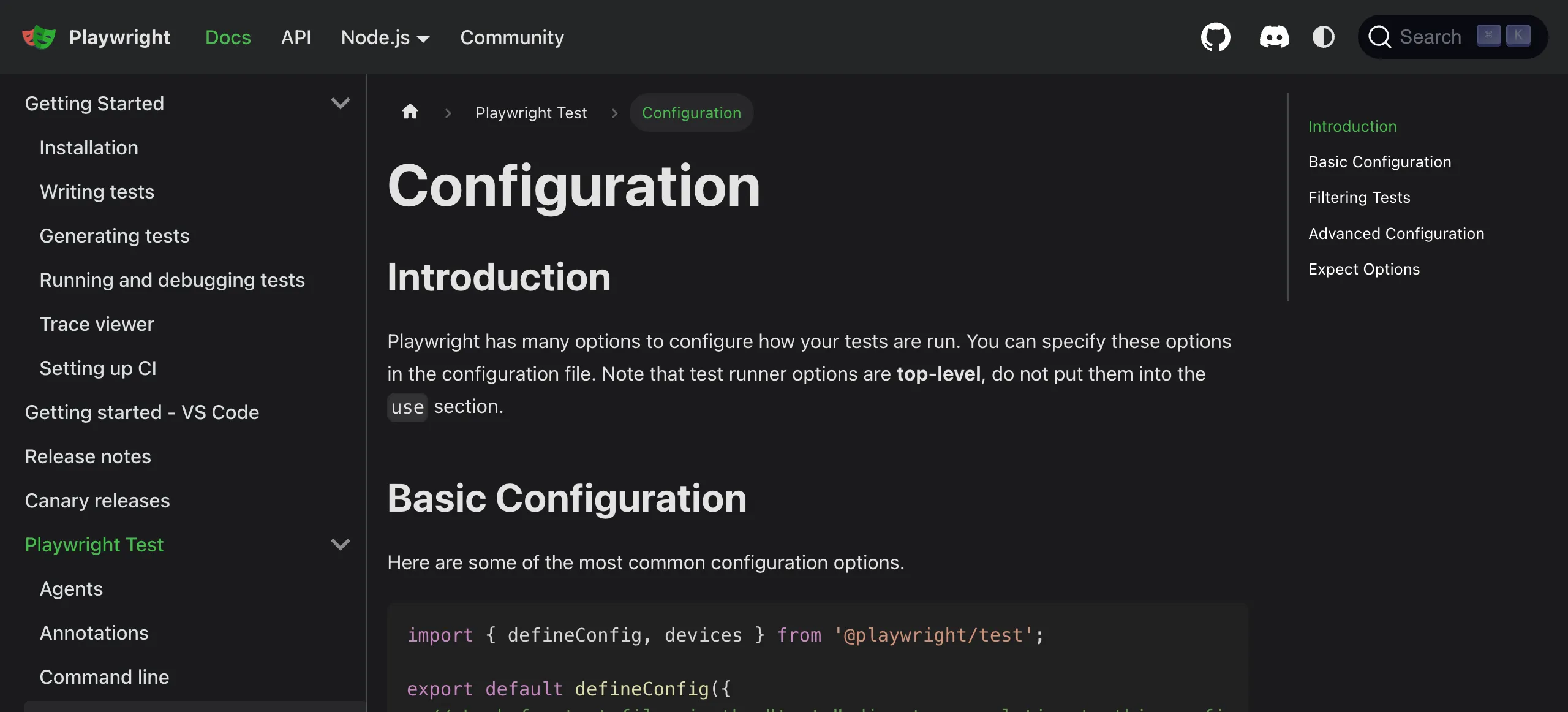
A well-configured playwright.config.ts covers browsers, timeouts, reporters, and base URLs. Your Skill points to this file so Claude always generates compatible tests from the start.
A typical config reference block in your Skill:
## Config File
playwright.config.ts

## Key Settings (do not override in test files)
- baseURL:  loaded from .env
- timeout:  30000ms
- retries:  2 on CI, 0 locally
- reporter: ['html', 'list']
- projects: chromium (default), firefox, webkit
Stage 5: Selenium — The Same Skill Approach for Python
The skill-driven workflow works equally well for Selenium. A Selenium Python pytest Skill:
# Selenium Python pytest Skill

## Framework
- Framework: selenium-python-pytest
- Language: Python
- Pattern: Page Object Model

## Folder Structure
tests/
  test_*.py     ← test files
  pages/        ← page objects
  conftest.py   ← driver setup & fixtures

## Locator Strategy
- Prefer:     By.ID, By.NAME, CSS [data-testid]
- Acceptable: By.XPATH for complex structures
- NEVER:      volatile class names

## Run Command
pytest tests/ -v --tb=short
Generated output for the same login flow in Selenium:
# tests/test_login.py
import pytest
from pages.login_page import LoginPage

class TestUserAuthentication:

    def test_tc01_successful_login(self, driver, base_url):
        """tc01 - Verify successful login with valid credentials"""
        page = LoginPage(driver)
        page.navigate(base_url)
        page.fill_email("user@example.com")
        page.fill_password("securePassword123")
        page.submit()

        assert "/dashboard" in driver.current_url
        assert page.welcome_banner.is_displayed()

    def test_tc02_failed_login_invalid_password(self, driver, base_url):
        """tc02 - Verify error shown for invalid password"""
        page = LoginPage(driver)
        page.navigate(base_url)
        page.fill_email("user@example.com")
        page.fill_password("wrongpassword")
        page.submit()

        assert page.error_message.is_displayed()
        assert "Invalid credentials" in page.error_message.text
And the Selenium Page Object:
# tests/pages/login_page.py
from selenium.webdriver.common.by import By
from selenium.webdriver.support.ui import WebDriverWait
from selenium.webdriver.support import expected_conditions as EC

class LoginPage:
    EMAIL_INPUT    = (By.CSS_SELECTOR, '[data-testid="login-email"]')
    PASSWORD_INPUT = (By.CSS_SELECTOR, '[data-testid="login-password"]')
    SUBMIT_BUTTON  = (By.CSS_SELECTOR, '[data-testid="login-submit"]')
    ERROR_MESSAGE  = (By.CSS_SELECTOR, '[data-testid="login-error"]')

    def __init__(self, driver):
        self.driver = driver
        self.wait   = WebDriverWait(driver, 10)

    def navigate(self, base_url):
        self.driver.get(f"{base_url}/login")

    def fill_email(self, email):
        self.wait.until(EC.presence_of_element_located(self.EMAIL_INPUT)).send_keys(email)

    def fill_password(self, password):
        self.driver.find_element(*self.PASSWORD_INPUT).send_keys(password)

    def submit(self):
        self.driver.find_element(*self.SUBMIT_BUTTON).click()

    @property
    def error_message(self):
        return self.driver.find_element(*self.ERROR_MESSAGE)

    @property
    def welcome_banner(self):
        return self.driver.find_element(By.CSS_SELECTOR, '[data-testid="welcome-banner"]')
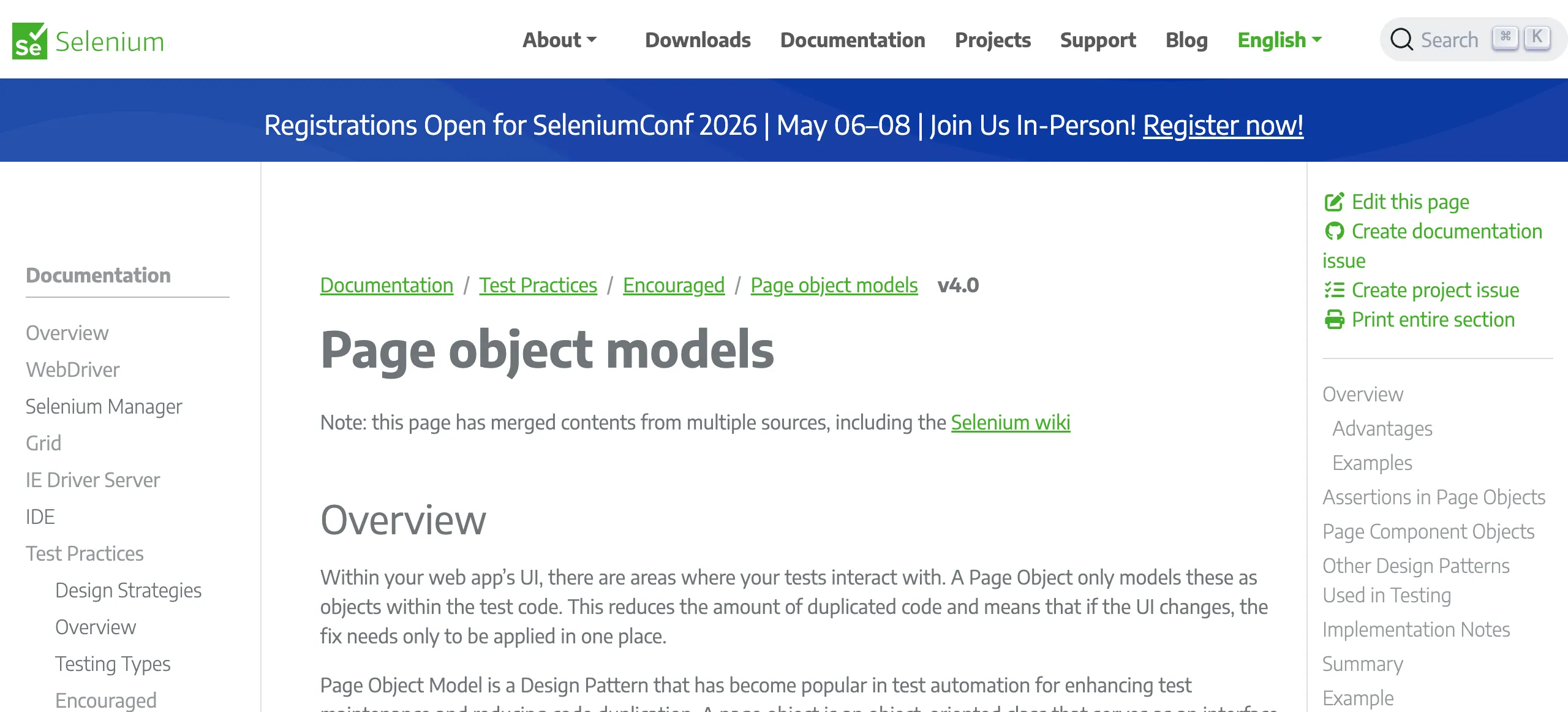
Selenium’s official documentation recommends Page Object Model as the primary pattern for maintainable test suites. Your Skill makes POM the automatic default so teams never drift back to inline selectors.
Stage 6: The Healer — Fixing Broken Tests Without Manual Work
This is where Skills shine brightest for ongoing maintenance. When a UI change breaks locators, the traditional fix is manual: open DevTools, find the new selector, update the page object, re-run. Multiply that across 50 tests and you have a painful afternoon.
With Skills, the healing loop is fully automated:
- Run the test → get the failure output
- Navigate to the live page → inspect the actual current DOM
- Compare expected vs. actual locators using
healer_inspect_page - Apply the fix → write corrected code back to the file (
.bakbackup created automatically) - Re-run to verify → confirm green before committing
A real healer scenario. The test fails with:
TimeoutError: locator('[data-testid="login-submit"]') exceeded timeout 30000ms

  17 |     await this.submitButton.click();
     |                             ^
The healer navigates to /login, inspects the live DOM, discovers the attribute changed from login-submit to auth-submit-btn, and applies the fix:
// Before (broken)
this.submitButton = page.getByTestId('login-submit');

// After (healed — matched against live DOM)
this.submitButton = page.getByTestId('auth-submit-btn');
The fix is written back to the file, the test is re-run automatically, and the result confirmed green — all without a human touching the code.
Stage 7: The Test Manifest — Your Framework’s Memory
Every generated test is tracked in .test-manifest.json, which the healer uses to know exactly how to execute any file:
{
  "framework": "playwright-js",
  "baseUrl": "https://yourapp.com",
  "projectRoot": "/path/to/project",
  "configFile": "playwright.config.ts",
  "runCommand": {
    "command": "npx",
    "args": ["playwright", "test", "--project=chromium"]
  },
  "testFiles": [
    "tests/specs/tc01-user-login.spec.ts",
    "tests/specs/tc02-product-search.spec.ts",
    "tests/specs/tc03-checkout-flow.spec.ts"
  ],
  "seedTests": [
    "tests/fixtures/auth.setup.ts"
  ]
}
This manifest means the healer never needs to re-analyse the project from scratch. It reads the manifest, knows the run command, and can immediately execute any test file by path.
Why Skills Beat Prompting Alone
| Without Skills | With Skills |
|---|---|
| Must specify framework every session | Framework is read from SKILL.md automatically |
| Inconsistent naming across engineers | Conventions enforced on every generation |
| Wrong folder structure regularly | Structure is locked in the Skill |
| Locator strategy varies by habit | Strategy is a rule, not a suggestion |
| Onboarding takes days of pairing | New session reads the Skill in seconds |
| Framework drift over months | Skill is the single source of truth |
Writing Your Own Skill
Here is a starter template for your Playwright or Selenium framework:
# [Your Framework] Skill

## Framework Details
- Framework: [playwright-js | selenium-python-pytest | webdriverio-ts]
- Language:  [TypeScript | Python | Java | JavaScript]
- Pattern:   [POM | BDD | Hybrid]

## Project Structure
[Describe your actual folder layout]

## Locator Strategy
- Preferred:  [e.g., data-testid attributes]
- Acceptable: [e.g., ARIA roles]
- Forbidden:  [e.g., CSS classes, volatile IDs]

## Naming Conventions
[File names, test IDs, page object names]

## Authentication
[How tests authenticate — fixtures, cookies, env vars]

## Run Commands
[Exact commands to run the full suite or a single file]

## Special Notes
[Quirks about your app or setup worth knowing]
Place this at /mnt/skills/user/my-framework/SKILL.md and it will be consulted automatically before every test-related task.
Putting It All Together
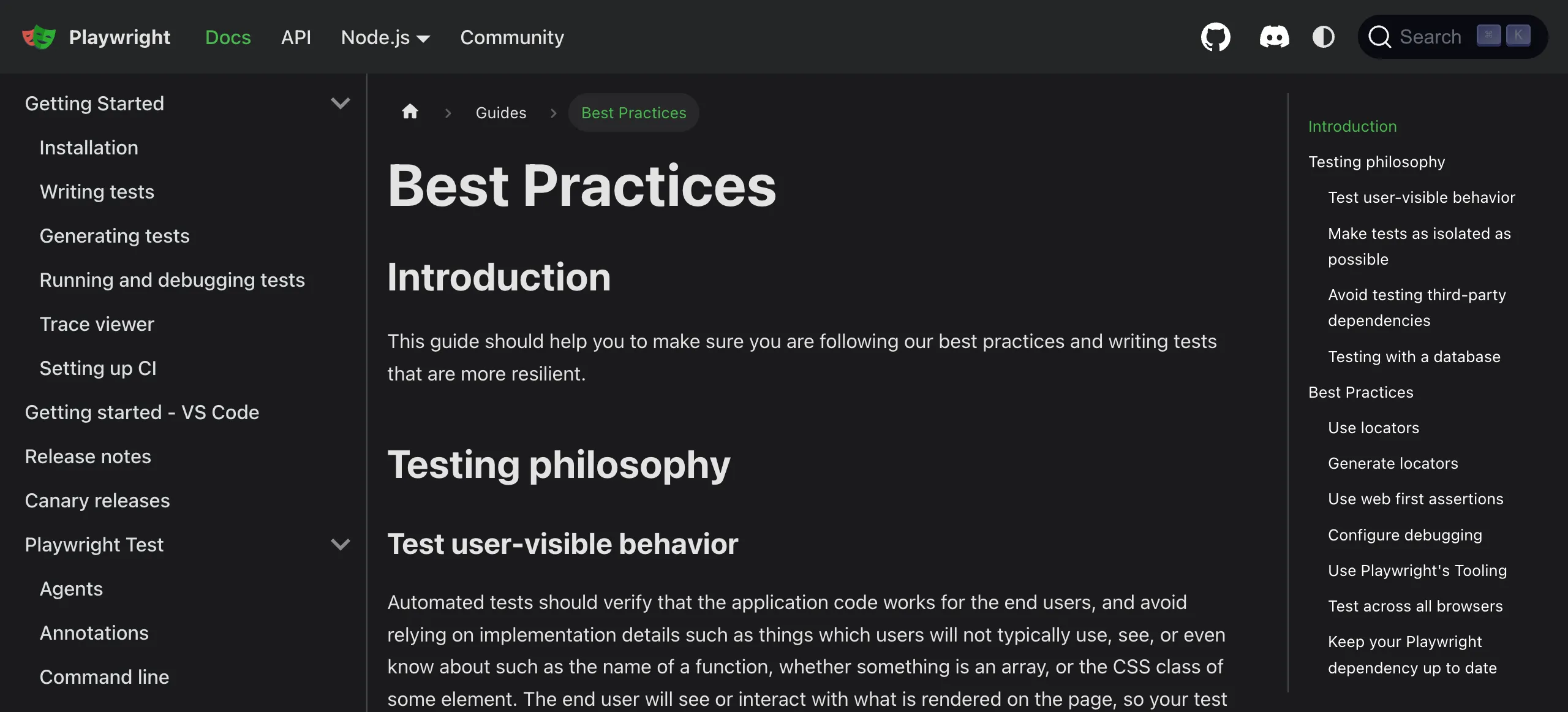
Playwright’s best practices guide aligns naturally with what you’d encode in a Skill — resilient locators, isolated tests, and deterministic setup. A Skill is the bridge between official guidance and your team’s real implementation.
The workflow Skills enable is a genuine step-change for framework maintenance:
- Generation — New features get tests that already follow your conventions
- Healing — Broken locators are fixed automatically against the live DOM
- Consistency — Every engineer gets the same framework context every session
- Scale — What used to take a day of manual updates now takes minutes
The best test framework is one that stays healthy as the application evolves. Skills make that possible without the heroic maintenance effort that has historically made automation feel like a burden rather than an asset.
Want to go deeper? Explore the MCP documentation and the Selenium/Playwright MCP tools for browser automation, and start encoding your team’s conventions into a Skill today.